Flotr2 - my favorite javascript graph library

Hi 👋 you're reading a pretty old post! I started writing on here back in high school and this page may not reflect my current views. Recommend checking out related articles and categories down below, I've likely published more recent thoughts on this topic.
The more I look at it, the more it seems drawing graphs in javascript+html is the only viable option to get anything decent and useful.
Gnuplot's graphs work, but they're not all that pleasant to look at. Same goes for the graphing tools I've seen in python. Mathematica, I'm told, does a very decent job, but I haven't used that much.
A big advantage for javascript graphing is shareability. Put up a github page, give people a link, voila. Everyone can see up to date graphs, often even interact with them.
The world of javascript graphs
Plenty graphing libraries exist for javascript ranging from extremeley simplistic to magnificently complex.
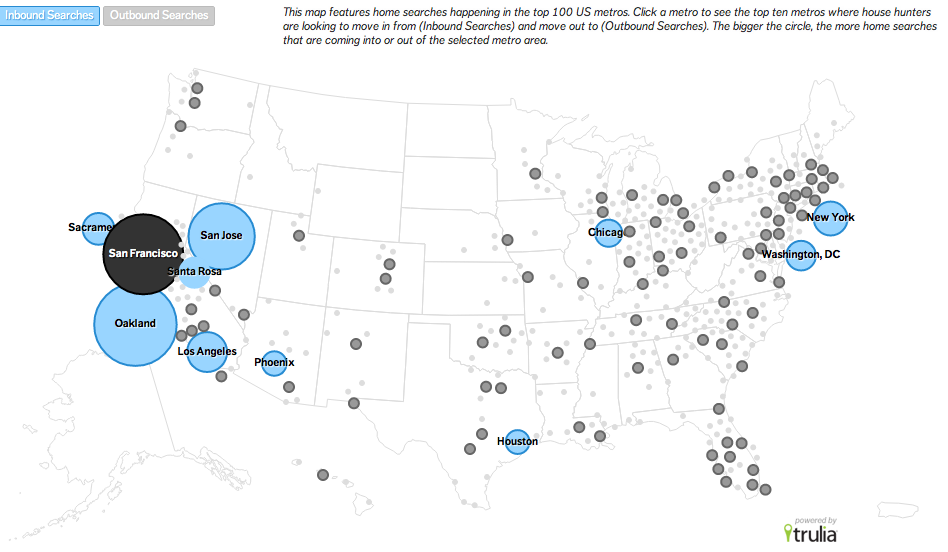
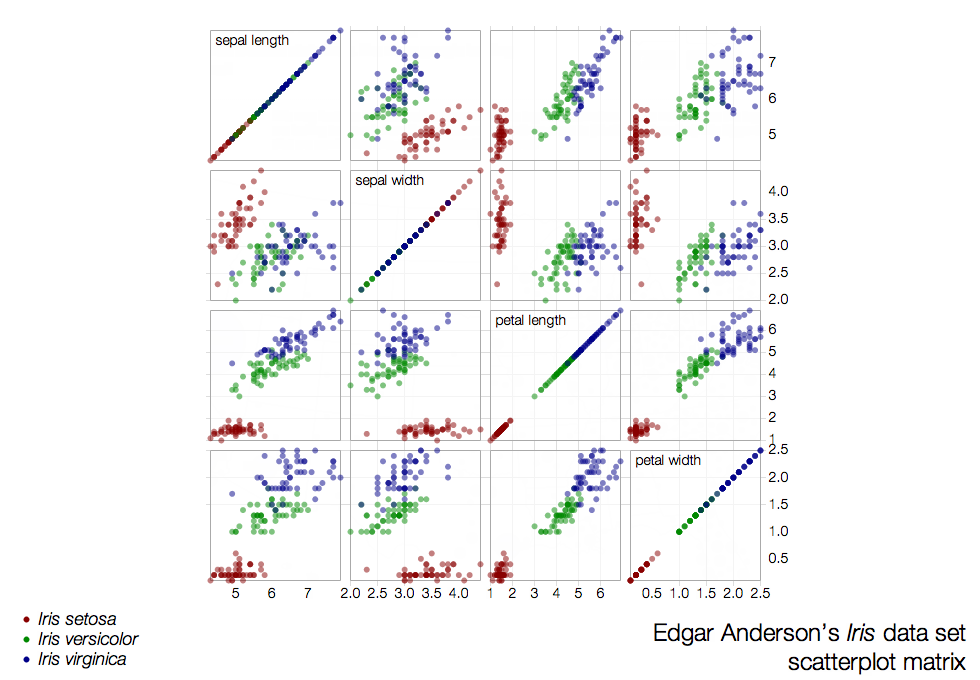
The most popular are probably d3.js and Raphael, both of which can get extremely complicated to use, but produce arguably the shiniest and most advanced data visualisations you can imagine.
Raphael is mostly a general vector library for the web. Appropriately beautiful as well.
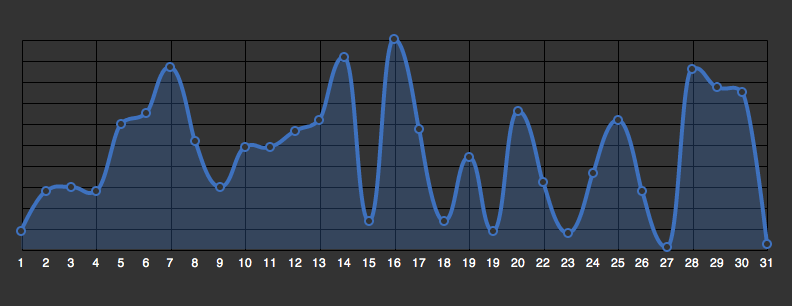
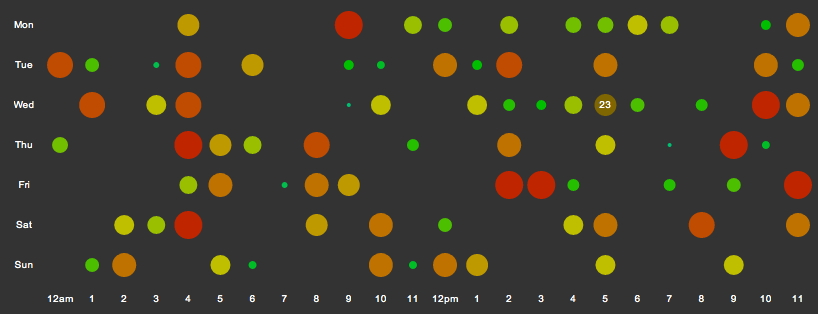
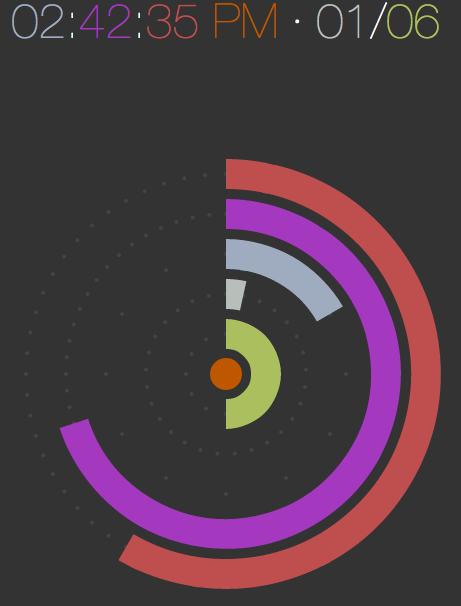
D3.js will make your life somewhat easier in that it's at least aimed specifically at making data visualisations, but there's plenty of rope to hang yourself with.
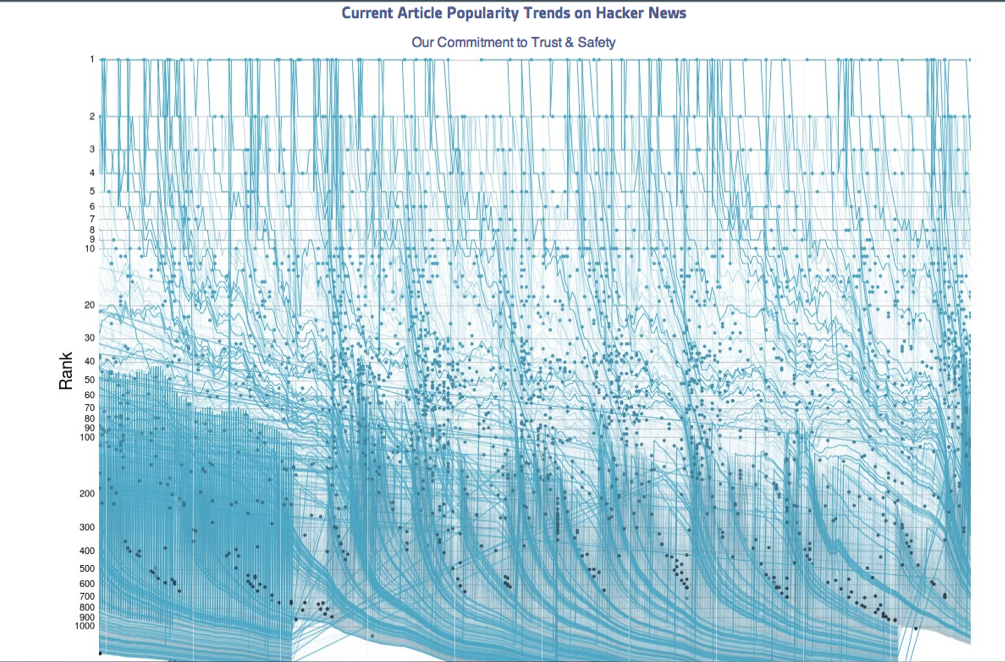
Flotr2
Those visualisations, while incredibly shiny, are difficult to make. It can take ages, trust me. I've tried and nothing I could come up with came even close. Most of all, using raphael and d3 is usually overkill - sometimes you just want a graph.
To visualize my past year of 750words I used Flotr2 - it took me ten minutes to go from parsed data dumps to shiny graphs. And that was because I had to come up with a javascript function to mangle my data into something Flotr2 will understand.
The best feature is that there isn't enough rope to hang yourself with. Nor does it make you want to over-engineer a simple graph.
Essentially, the code just sets up some data and a label or two:
function draw_time(container, data, title) {
  var start = new Date(DATA[0].date).getTime(),
    options,
    graph,
    i,
    x,
    o;

  options = {
    xaxis: {
      mode: "time",
      labelsAngle: 45,
    },
    selection: {
      mode: "x",
    },
    legend: {
      position: "se",
    },
    HtmlText: false,
    title: title,
  };

  // Draw graph with default options, overwriting with passed options
  function drawGraph(opts) {
    // Clone the options, so the 'options' variable always keeps intact.
    o = Flotr._.extend(Flotr._.clone(options), opts || {});

    // Return a new graph.
    return Flotr.draw(container, data, options);
  }

  graph = drawGraph();

  Flotr.EventAdapter.observe(container, "flotr:select", function (area) {
    // Draw selected area
    graph = drawGraph({
      xaxis: { min: area.x1, max: area.x2, mode: "time", labelsAngle: 45 },
      yaxis: { min: area.y1, max: area.y2 },
    });
  });

  // When graph is clicked, draw the graph with default area.
  Flotr.EventAdapter.observe(container, "flotr:click", function () {
    graph = drawGraph();
  });
}
And what you get is a graph:
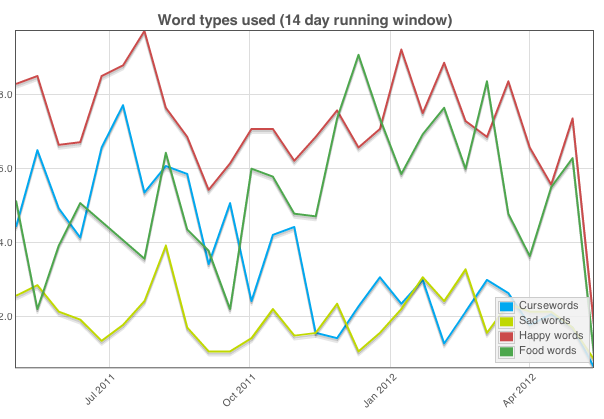
Love it.
Looks good. Serves its purpose. Simple to make.
Filed under: JavaScriptMath